Windows PC modules

aion 2 hack

See the Fight Before It Starts

Aion 2 hack for Windows PC. Track players, bosses and gathering nodes on a live radar, fine-tune soft aim to your playstyle, and stay ahead in the skies of Atreia. 57 modules, instant delivery and Discord support.

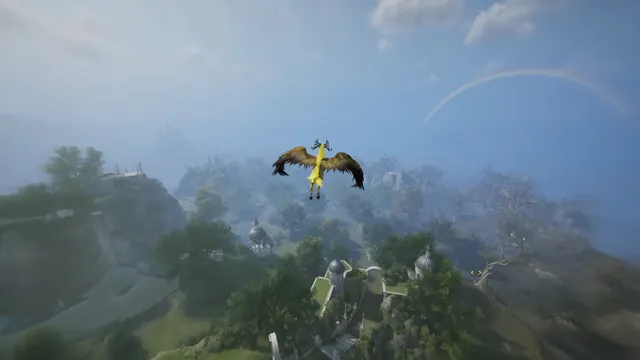
aion 2 hack view of a winged character flying over a green valley
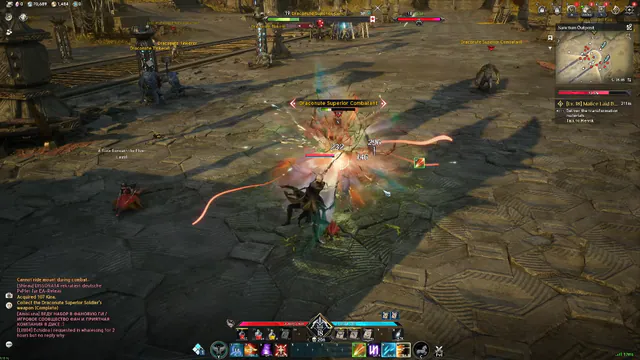
Health bars and damage numbers over a fight in a stone courtyard
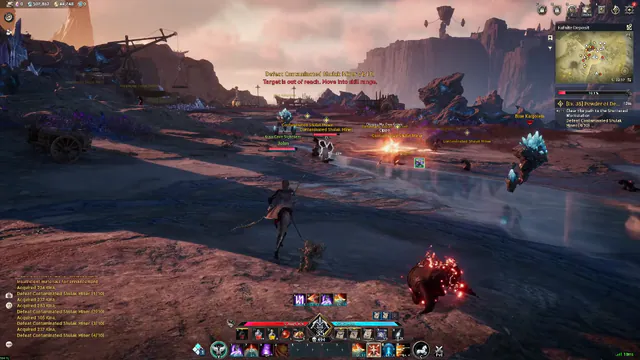
Name labels, health bars, and distance text on creatures in a mining field
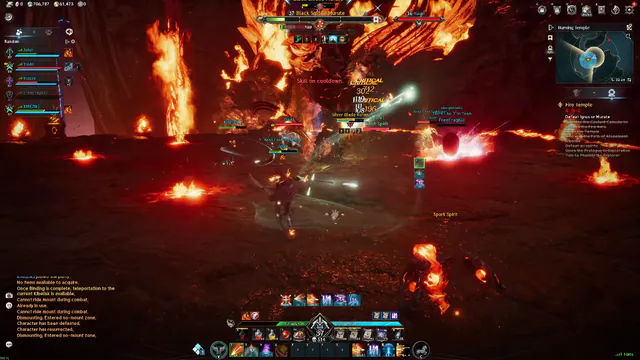
Party list, a boss target frame, and a circular minimap in a burning temple
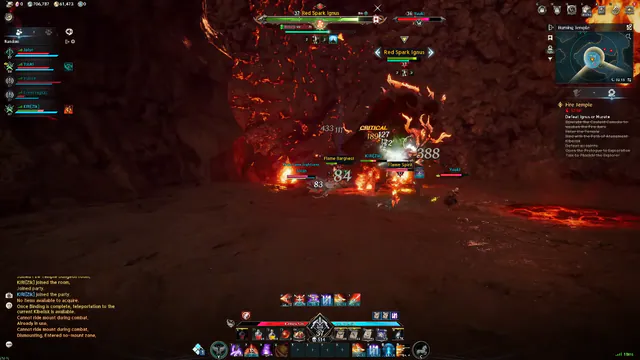
Distance marker and health bar on a boss in a lava cave
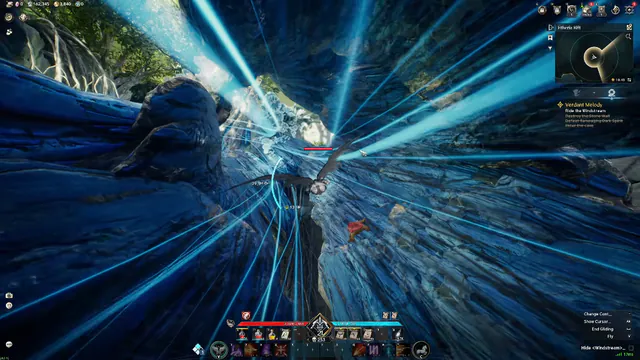
Distance numbers on targets during a glide through a blue canyon
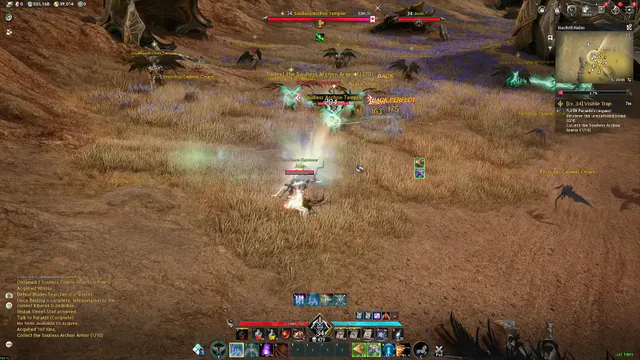
Health bars over a fight in a dry grass field
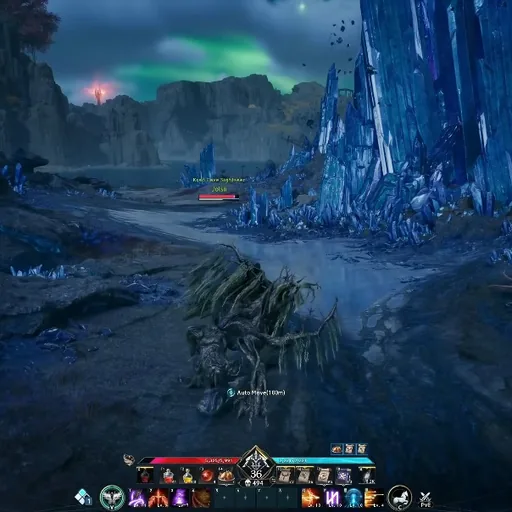
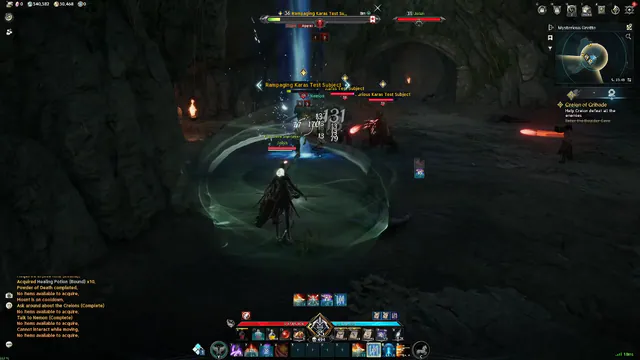
Name labels and health bars on figures inside a cave

NCGuard

Anti-cheat

57

Modules

Windows PC

Platform

24/7

Support

Soft Aim
Player ESP
Skeleton
2D Radar
Boss Markers
Loot ESP
Stream-Proof Overlay
Instant Delivery
Soft Aim
Player ESP
Skeleton
2D Radar
Boss Markers
Loot ESP
Stream-Proof Overlay
Instant Delivery

Modules

Module overview

Player ESP, soft aim, flight markers, gathering ESP, radar, and stream-proof overlays for Windows PC.

Aimbot

Smooth aim, per weapon

Soft aim for open-world and aerial fights. Set FOV, smooth aim, bone choice, and a max distance that matches the weapon.

  • Aim key, FOV, and smooth aim
  • Bone choice: head, chest, or closest
  • Ignore friendly faction and party
  • Visible check and target line
  • Separate presets per class

Player visuals

Boxes, faction, and health

Boxes, skeletons, health, name, class, and distance on other players, including flyers.

  • Full or corner boxes, skeleton, head circle
  • Faction, level, class, and nameplate
  • Flying or grounded state and off-screen arrows

Radar

Know where fights are

2D radar for players, bosses, and nodes, with faction colors, range, and zoom.

  • Player and boss dots
  • Node markers
  • Range and zoom controls

World and gathering

Nodes, chests, and bosses

Marks gathering nodes, ore and herbs, chests, portals, elites, and world bosses.

  • Gathering node and material filters
  • Chest and instance entrance markers
  • World and dungeon boss markers

Flight markers

Altitude and glide state

Aerial target marks, flight paths, altitude, and glide or wing state for sky fights.

  • Aerial target marks
  • Flight path and altitude readout
  • Glide and wing state

Stream Proof

Hide overlays on stream

You see ESP and aimbot on your screen. OBS and Game Bar capture a clean game feed.

  • OBS and Game Bar modes
  • Toggle per module
  • Setup notes in the portal

Configs and patch notes

After every client update

Save and load configs. Check the status note after an Aion 2 or NCGuard update before you launch.

  • Config save and load
  • Status notes after client updates
  • Discord help for setup

Where you use it

Open world, rifts, and dungeons

Presets for open-world faction fights, aerial combat, gathering, and dungeon pulls.

  • Open-world and rift presets
  • Aerial combat distance caps
  • Gathering preset with nodes on

Menu extras

Keys, colors, and combat mode

Custom colors, a panic key, and a combat mode that hides world marks during a pull.

  • Visible and hidden colors
  • Custom menu and panic keys
  • Combat mode hides world marks

Store

Products & pricing

Compare the game cheat, HWID spoofer, and account recovery tool. Same USD plans, Windows PC, instant delivery after checkout.

How it works

From checkout to flying in Atreia.

Pick a plan, download the loader, enable ESP and soft aim, then save configs for your next session.

4 steps

  1. 01

    Check status

    Read the status note on aion2hack.com before you buy or launch.

  2. 02

    Pick a plan

    Choose the game module, the hardware tool, or the account tool, then a weekly, monthly, or lifetime plan where that product offers it.

  3. 03

    Launch and set up

    Download from the portal, turn on modules, and test on a mob in the starting zone.

  4. 04

    Save your config

    When the settings feel right, save an open-world preset and a dungeon preset.

Guides

Guides archive

Long-form guides and patch notes will be published here.

Aion 2 aimbot settings for FOV, smooth aim, bone choice, and max distance on Windows PC. Tune soft aim for open-world fights and aerial targets.

Aion 2 anti cheat on the live client is NCGuard. See what a client check covers after patches, and how to read status notes before you launch.

Aion2 DMA is a hardware read path for Aion 2 on Windows PC. See how it differs from an in-game loader, and what Cloud DMA means on the product page.

FAQ

Common questions

Checkout, portal delivery, Windows requirements, and support channels.

Where do I check product status before launch?
Use the Check status page and your portal before you launch—especially after an Aion 2 or NCGuard update.
What happens after I buy?
Your portal unlocks the loader and setup guide after checkout clears. Follow the guide on Windows PC before you launch the game client.
Can third-party tools lead to account action?
Yes—any modification carries risk. NCGuard and report systems evolve. Check status and accept the risk before use.
Which platforms are supported?
Windows 10 or 11 64-bit only. macOS and Linux are not supported.
Can I move my license to a new PC?
Use the HWID reset in your portal or open a support ticket with your order email.
Where are products listed?
All products, plans, and checkout links live on the Products page with feature lists for each tool.

Search

↑ ↓ navigate · Enter open · Esc close